 FLUF Connect
Connexion de Vestiaire Collective à FLUF Connect
Vestiaire Collective est le principal marché mondial pour la mode de luxe d'occasion, couvrant les vêtements, sacs, chaussures et accessoires de marque. Connectez votre compte en utilisant Extension de utility FLUF Chrome.
Prérequis
- Compte vendeur actif sur Vestiaire Collective
- Navigateur Google Chrome
- Extension de utility FLUF Chrome (installée lors de la connexion)
Étapes de connexion
Étape 1 : Ouvrir le modal de connexion
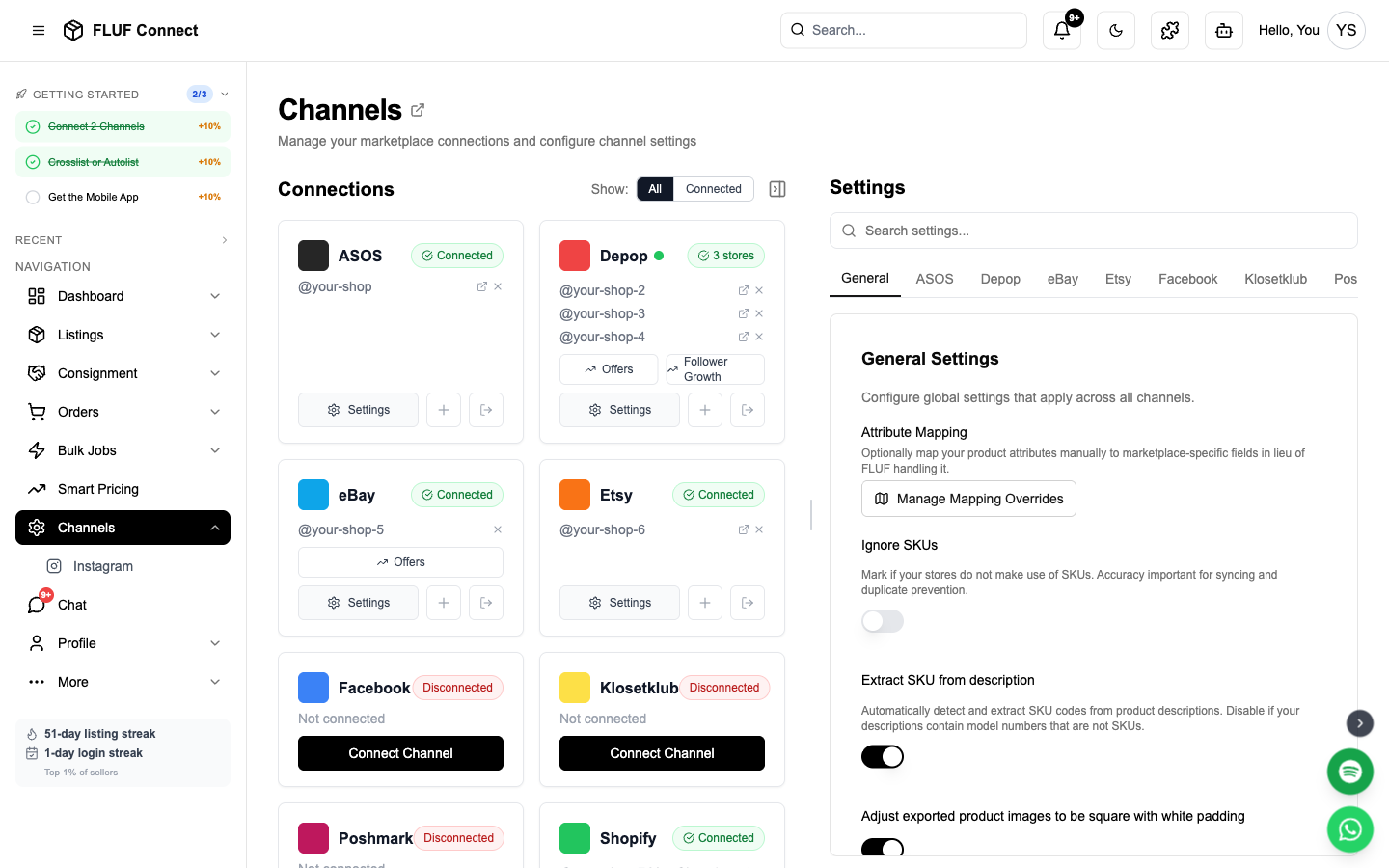
- Accédez à Connectez-vous → Canaux
- Cliquez sur Ajouter un canal et sélectionnez Vestiaire Collective
Étape 2 : Installer l'extension de utility FLUF Chrome
- Cliquez sur Installer l'extension Chrome si vous ne l'avez pas déjà fait
- Vous serez redirigé vers le magasin web Google Chrome
- Cliquez sur Ajouter à Chrome
- Confirmer l'installation de l'extension
- Retourner à la fenêtre FLUF Connect
Étape 3 : Se connecter à Vestiaire Collective
- Cliquez sur Ouvrir Vestiaire Collective bouton dans le modal de connexion
- Une nouvelle onglet Chrome s'ouvrira avec vestiairecollective.com
- Connectez-vous à votre compte Vestiaire Collective dans cette nouvelle onglet
- Retourner à la fenêtre FLUF Connect
Étape 4 : Connexion
- Cliquez sur Se connecter avec l'extension Chrome
- FLUF détectera automatiquement votre session Vestiaire
- Une fois détectée, la connexion se terminera automatiquement
Conseil : Assurez-vous d'être connecté sur Vestiaire Collective dans le même navigateur Chrome où l'extension est installée.
Après la connexion
Une fois connecté, vous pouvez :
- Crois-lister publiez vos produits sur Vestiaire Collective depuis la page Liste
- Voir votre garde-robe — vos listages existants sur Vestiaire seront indexés et affichés dans votre tableau de bord FLUF
- Suivez vos commandes — les ventes sur Vestiaire apparaissent sur votre page Commandes avec d'autres canaux
Comment fonctionne Vestiaire
- Focus sur la luxe — Vestiaire se spécialise dans les articles de créateurs et de luxe. Tous les listages sont revus par Vestiaire avant leur mise en ligne.
- Listages à un article — Chaque produit est un seul listage (pas de variantes ou de quantités en stock)
- Authentification — Les articles à plus haut prix passent par le processus d'authentification de Vestiaire pour vérifier leur authenticité
- Tarification — Vestiaire prend une commission sur chaque vente. Les revenus du vendeur sont affichés au moment de la mise en ligne.
Résolution de problèmes
L'extension n'a pas été détectée
- Assurez-vous que l'extension FLUF Utility pour Chrome est installée et activée
- Réessayez de recharger la page FLUF Connect
- Vérifiez que les extensions de Chrome ne sont pas désactivées dans vos paramètres du navigateur
La connexion échoue après le login
- Assurez-vous d'être connecté sur Vestiaire Collective dans Chrome (et non dans un autre navigateur)
- Essayez de vous déconnecter puis de vous reconnecter à Vestiaire, puis réessayez
- Effacez les cookies de Vestiaire et connectez-vous à nouveau
Votre session Grailed a expiré
Les sessions de Vestiaire expireront périodiquement. Si votre connexion est indiquée comme déconnectée :
- Ouvrez vestiairecollective.com dans Chrome
- Connectez-vous si nécessaire
- Revenez à FLUF Connect — l'extension mettra automatiquement à jour votre session
Ce qui est synchronisé
| Fonctionnalité | Pris en charge |
|---|---|
| Indexation de l'armoire | Oui |
| Listage croisé vers Vestiaire | Oui |
| Suivi des commandes | Oui |
| Synchronisation des prix et de l'inventaire | Bientôt disponible |
| Listage automatique | Bientôt disponible |